Smart HomeCompose a brief
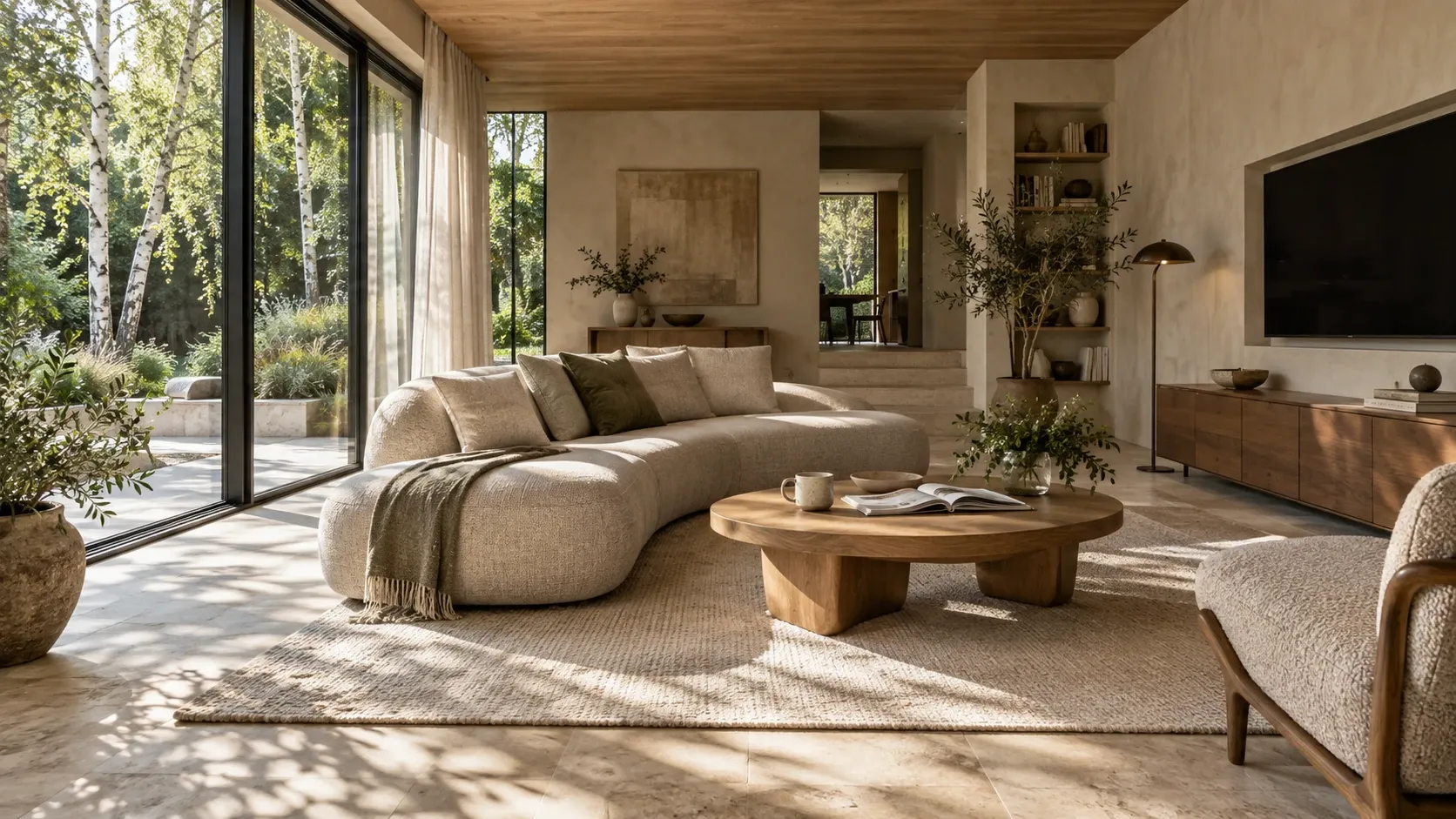
A living room in soft morning daylight: a curved linen sofa, a round oak table and birch trees beyond the glass.

A house that keeps time with light.

Hello.Your home, lit for the hour you are reading this.

§ 01IntentWhy we build this way

What we do

We don’t sell gadgets. We compose light, warmth, quiet and safety into a single system — wired into the walls, run inside the house, and built to outlast the next app update.

  1. 0apps needed to switch on a light. Wall keypads come first.
  2. 6layers that keep working when the one above them fails.
  3. <300msfor the house to answer your voice — processed inside your walls.
§ 02The day07:30 → 21:00, in one scroll

Four lights. One room.

Morning light. No rush.

Curtains open with your alarm. The bathroom is already warm. Daylight does the rest.

Curtains
Open with your routine
Bathroom
Warm before you are
Lamps
Off — daylight works

Head out. Leave the little things.

One goodbye button brings every check together — lights, sockets, doors, heating.

Lights
Empty rooms off
Doors
Checked and locked
Heating
Sensible setback

Welcome home. The day can wait.

Walk in, put your bag down. Soft light, the right warmth and your playlist are already on.

Light
2700 K, soft and low
Climate
21.5 °C, as you like it
Music
Your evening playlist

Press play. Stay a little longer.

One scene closes the curtains, dims the room and wakes the screen and sound.
Screen
Ready for your film
Curtains
Closed for privacy
Light
A gentle 2200 K glow
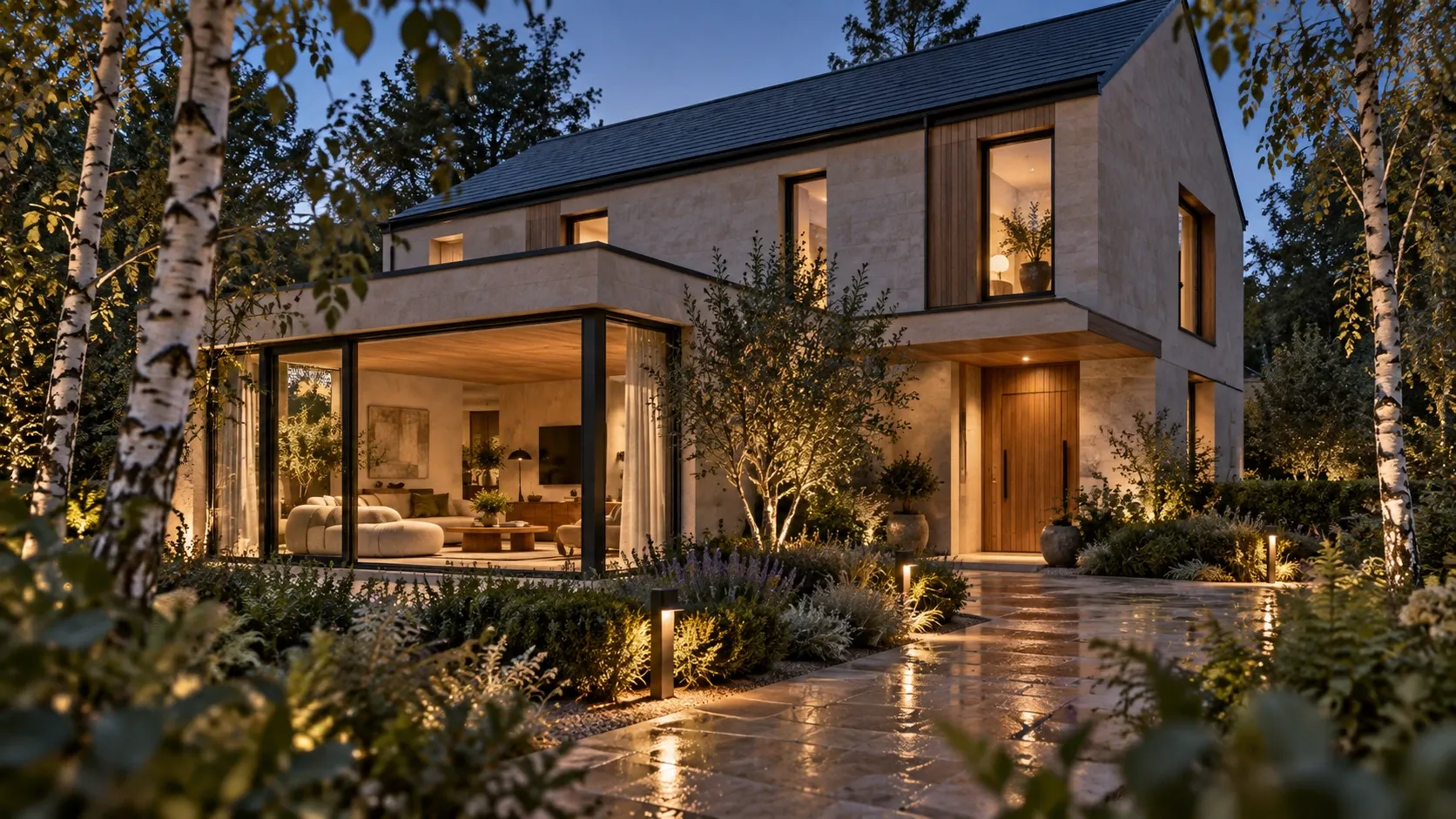
The living room in morning daylight, curtains open to a birch garden.
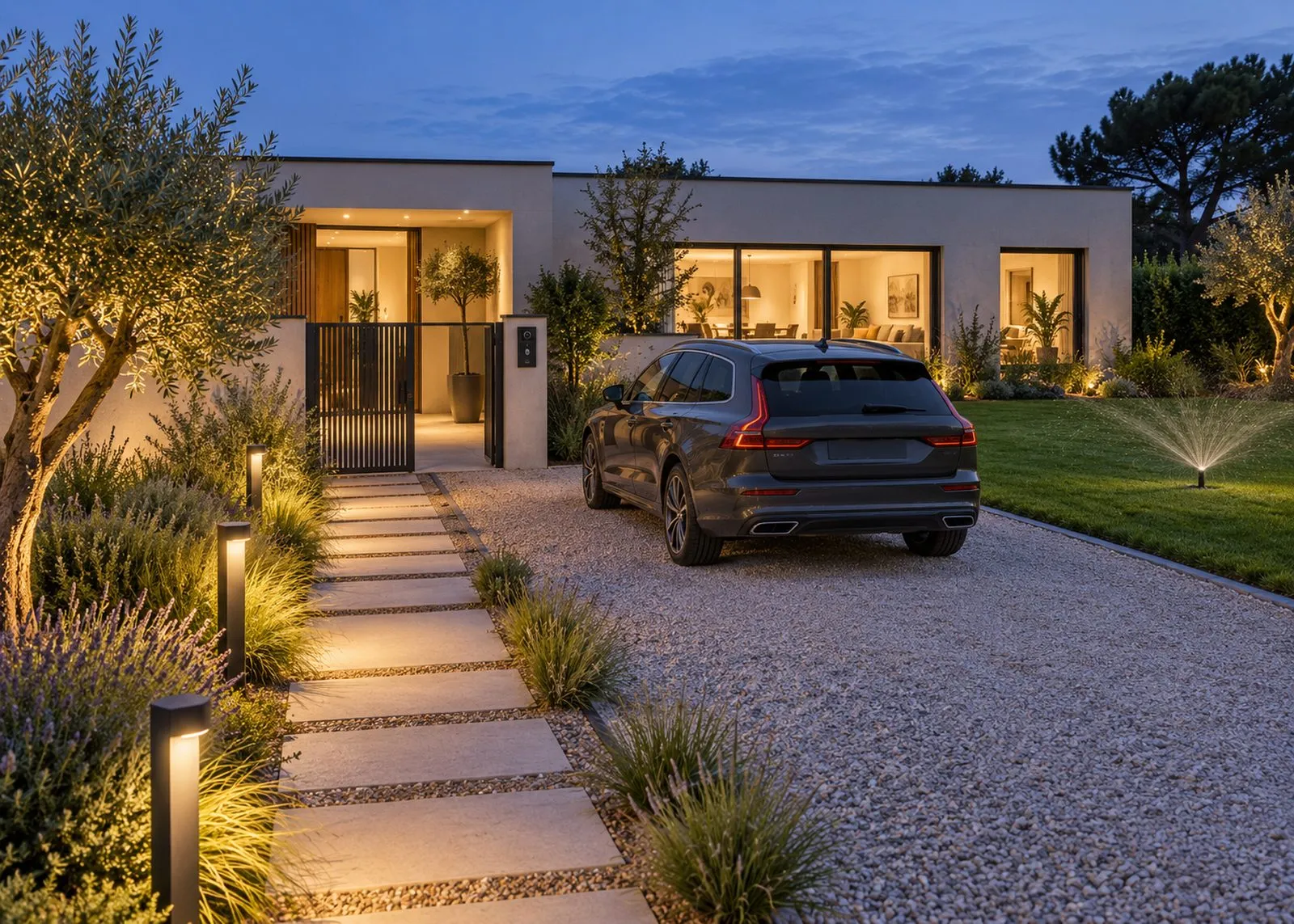
The house from the garden at blue hour, windows softly lit.
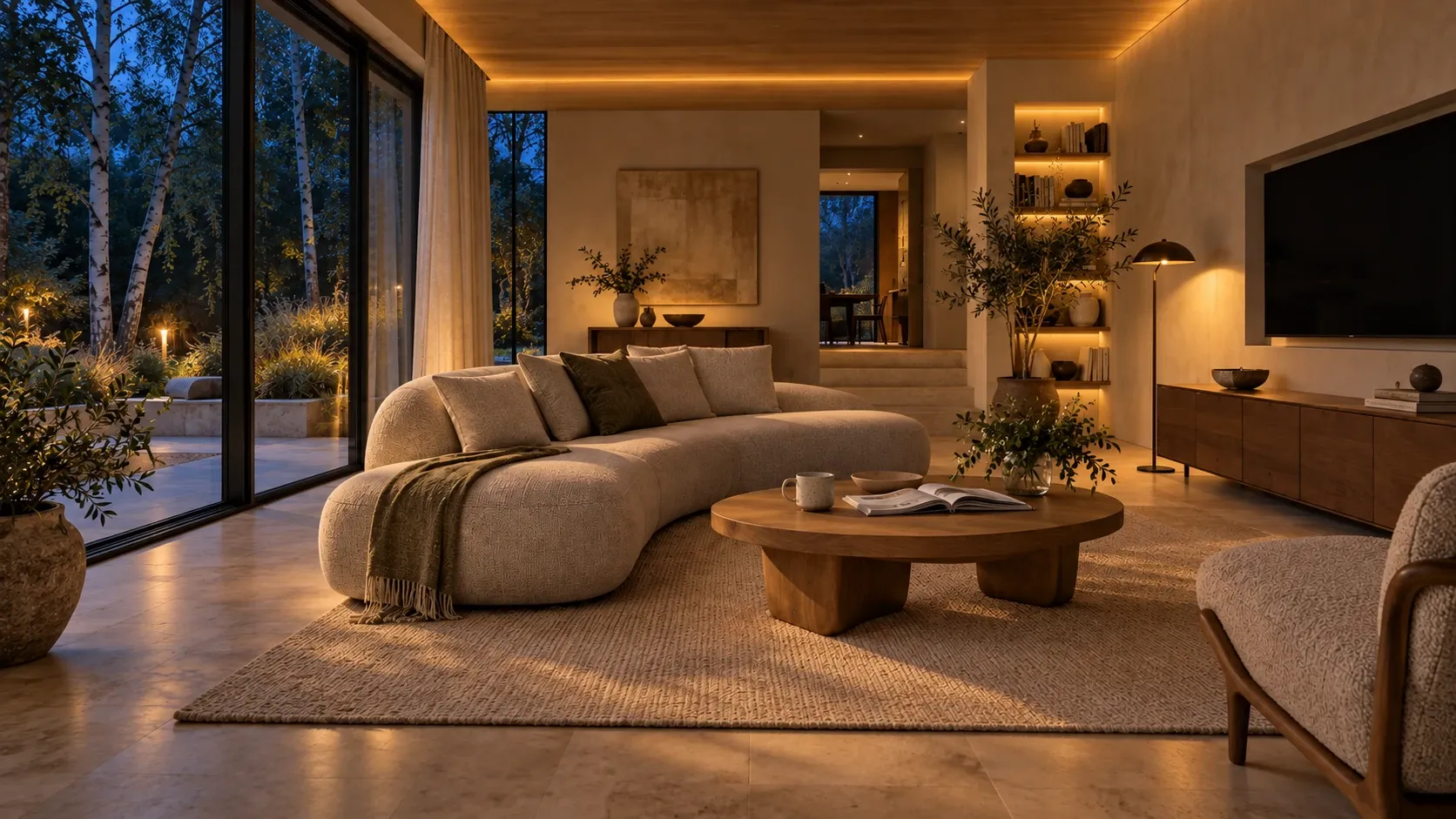
The same living room in the evening, lamps and shelf lights glowing warm.
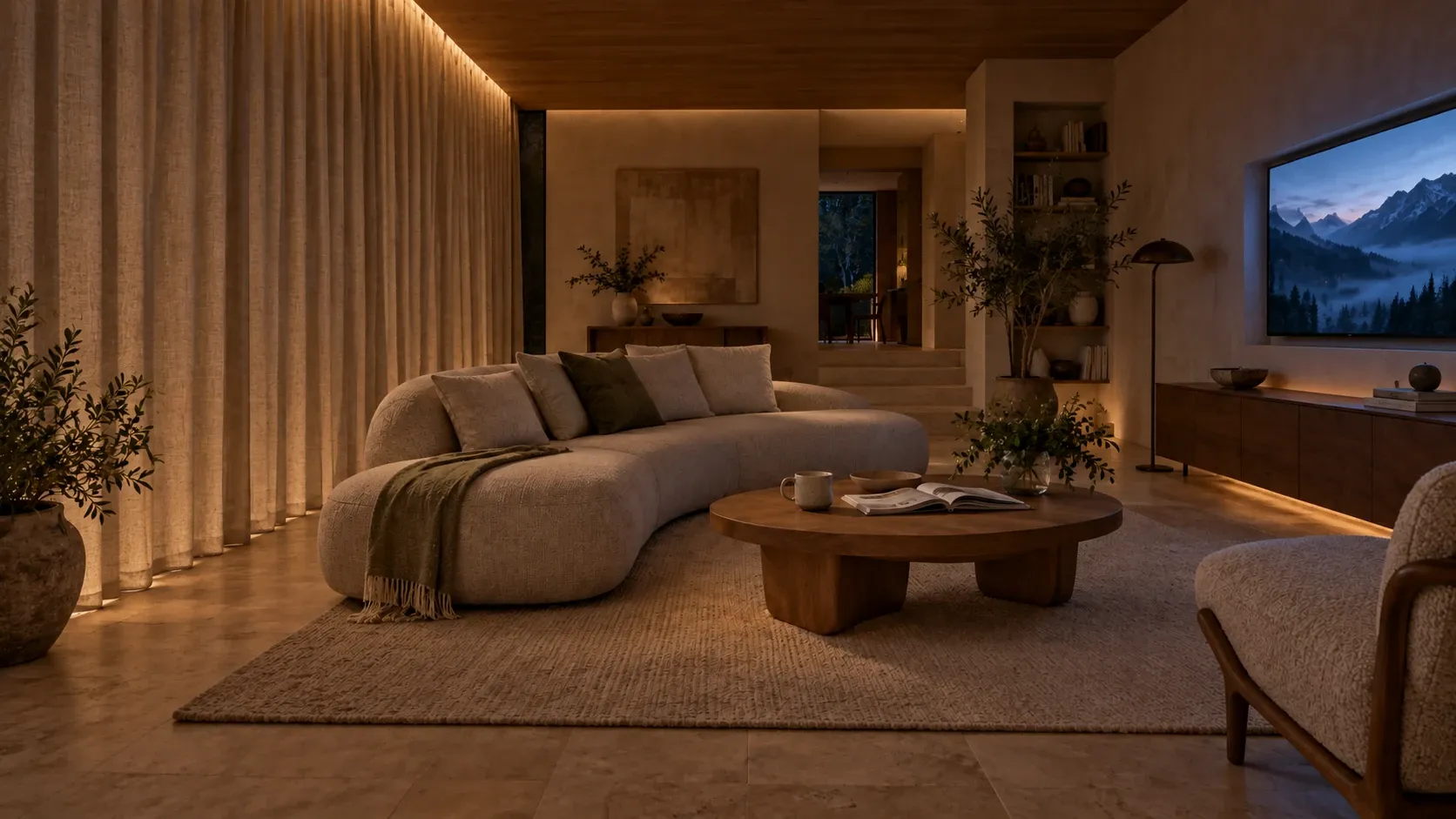
The living room at night with curtains closed and the screen on.
Plate II. 07:30 — the living roomPlate III. 08:30 — the house, emptied with one touchPlate IV. 18:30 — the living roomPlate V. 21:00 — the living room
§ 03IndexEight systems, one controller

Eight instruments. One house.

Each system is good on its own. Played together — one wiring plan, one logic — they stop feeling like technology and start feeling like the house.

  1. 01

    Light

    Bright enough to cook, warm enough to unwind, a gentle path at night.

    DALI-2 · presence · daylight

  2. 02

    Climate

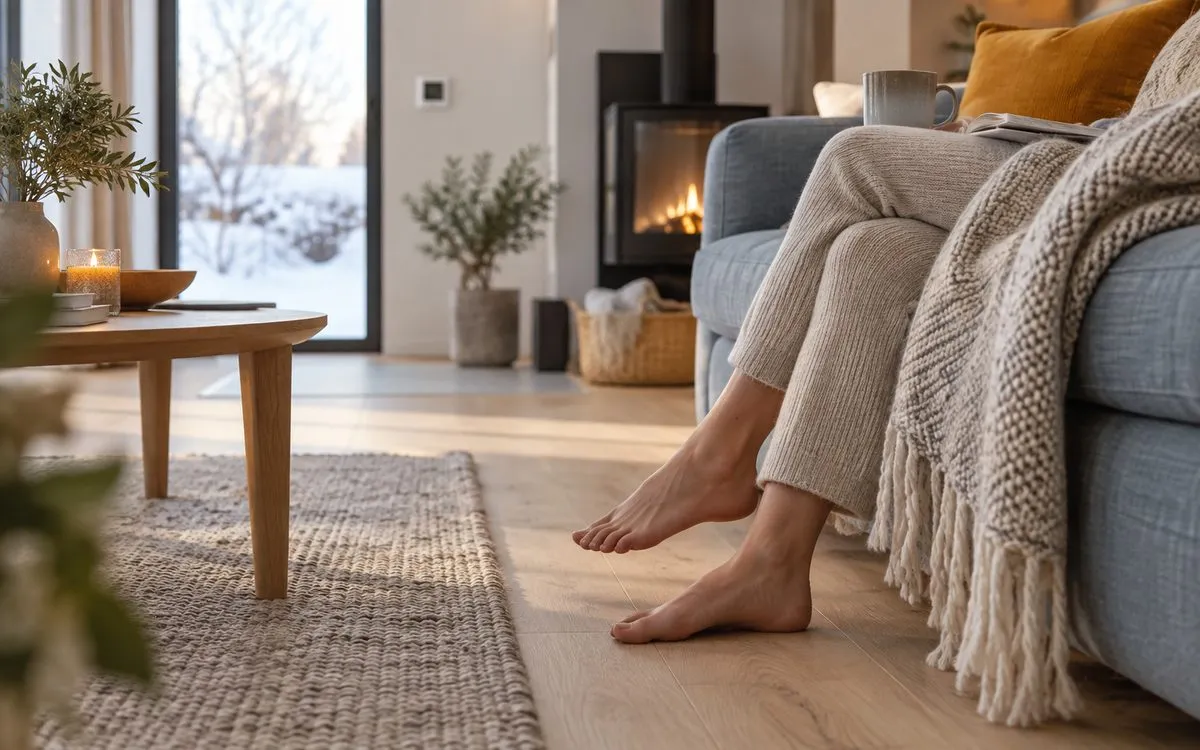
    Each room at its own temperature. Heating pauses when a window opens.

    Per-room · ventilation · CO₂

  3. 03

    Shading

    Blinds follow the sun before the room gets hot.

    Sun tracking · wind guard

  4. 04

    Protection

    Leak, fire and intrusion — the house acts first, then tells you.

    Shut-off valves · alarm panel

  5. 05

    Access

    Guest codes that expire. A door check from the sofa.

    Intercom · gate · garage

  6. 06

    Sound & film

    Music in the kitchen, silence upstairs. A room built for cinema.

    Multiroom · acoustics

  7. 07

    Energy

    Sunshine goes where it is worth the most — home, battery, then car.

    PV · storage · 11 kW EV

  8. 08

    Intelligence

    Voice and camera analysis that stay inside your walls.

    On-site AI · < 300 ms

§ 04Section A–ADrawing 04 · not to scale

One gesture. Every room answers.

Press a key on the wall panel. The same controller drives light, heat, shading, security and energy — so one touch is enough.
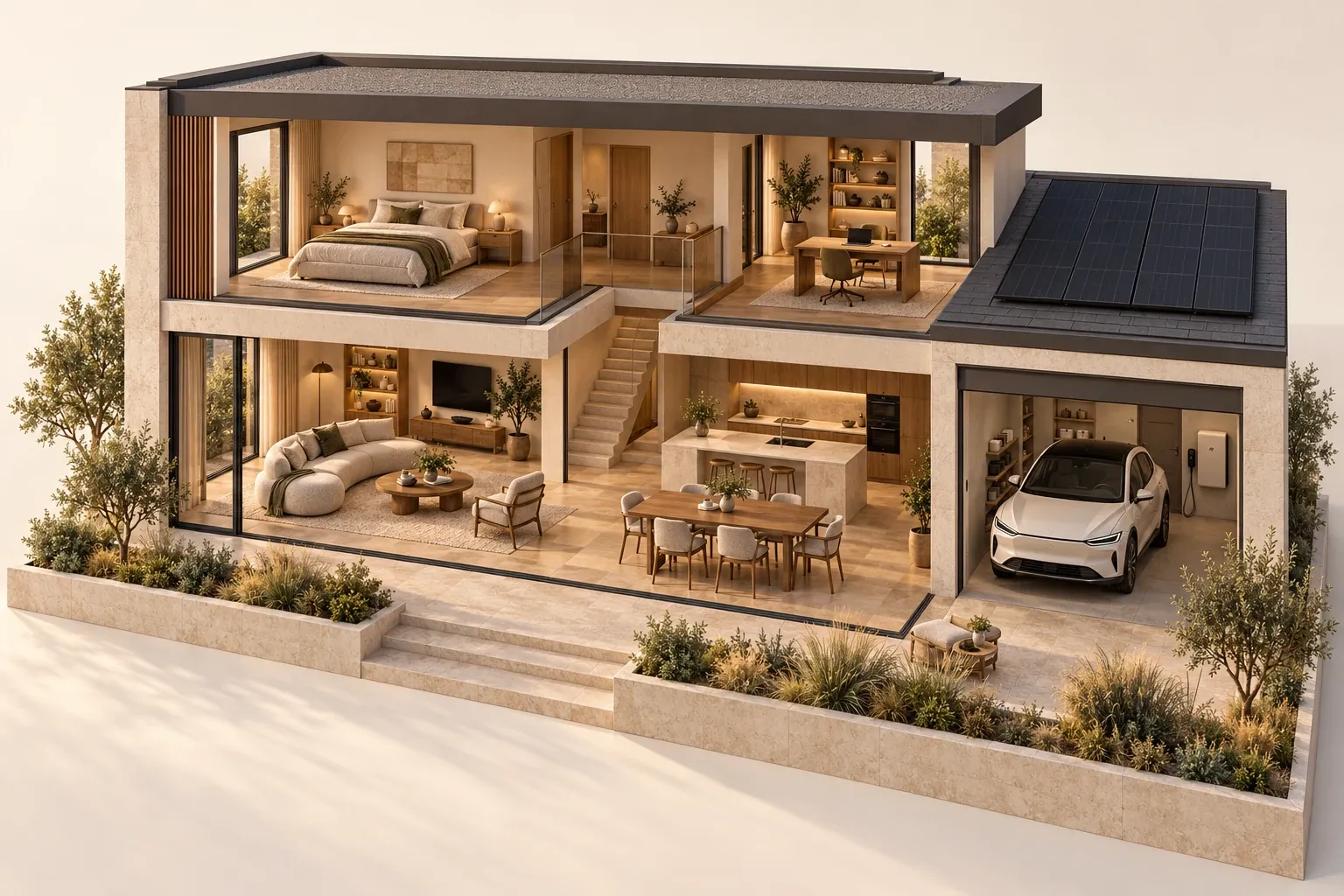
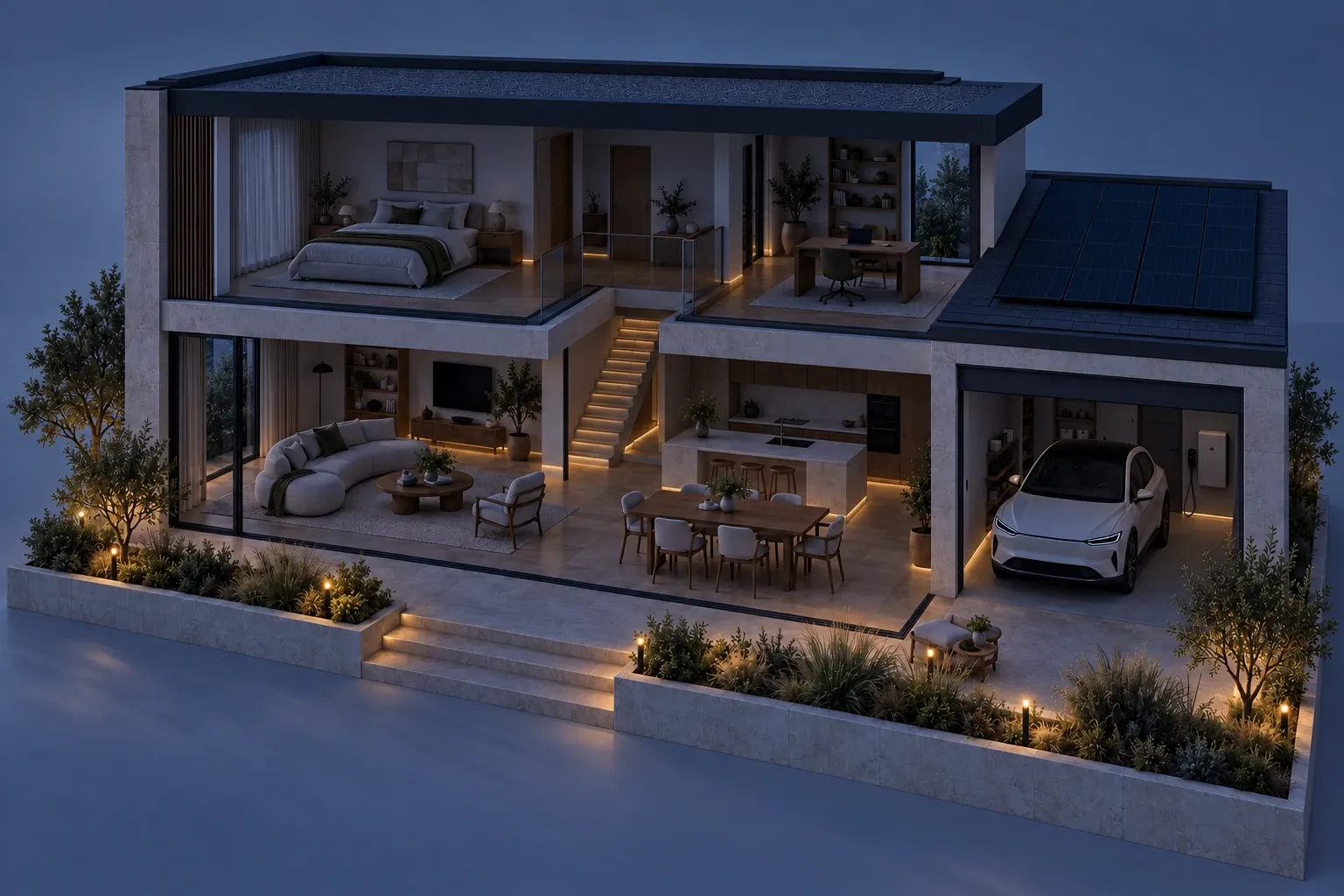
Cutaway drawing of a two-storey home: bedroom and study upstairs, living room, kitchen and a garage with an electric car below, solar panels on the roof.
01 BedroomCurtains open gently02 Living roomDaylight does the work03 Roof, PVPV waking up04 KitchenRadio on, low05 GarageCar charged overnight
RoutineLet the day in
Time07:00
NoteA softer start, room by room.
  1. 01Curtains let daylight in
  2. 02Bathroom reaches its morning setting
  3. 03Fresh air, without the chilly start
  4. 04Kitchen radio on, bedroom still quiet
§ 05ResilienceFails like a building, not like an app

Pull the plug. Watch what stays on.

Six layers, each able to carry on when the one above it stops. Flip a breaker and see for yourself.

Main panel — flip one

  1. L5IntelligenceLocal AI: analytics, anomaly detection, suggestionsOnline
  2. L4InterfacesKeypads, wall panels, app, voiceOnline
  3. L3ControlLocal controller: logic, scenes, schedulesOnline
  4. L2Field devicesKNX, DALI and Modbus actuators and sensorsOnline
  5. L1Cabling & networkStructured cabling, PoE, VLANs, Wi-FiOnline
  6. L0PowerCabinets, protection, UPS, storageGrid

All six layers online. Remote access runs through a VPN; notifications arrive by push.

A box of gadgets compared with an engineered system
SituationA box of gadgetsAn engineered system
The internet goes downVoice, scenes and remote control stop.Everything inside the house keeps working.
A power cutDevices reboot; some lose their pairing.The battery carries priority circuits.
Five years laterThe vendor dropped the product line.Open standards; parts from many makers fit.
Something breaksNobody knows how it was connected.As-built drawings, labelled cables, backups.
§ 06ProtectionThe house acts first, then tells you

Three small dramas. Handled before you knew.

Good protection is mostly quiet. It notices, acts, and sends one useful message — not a stream of alerts.
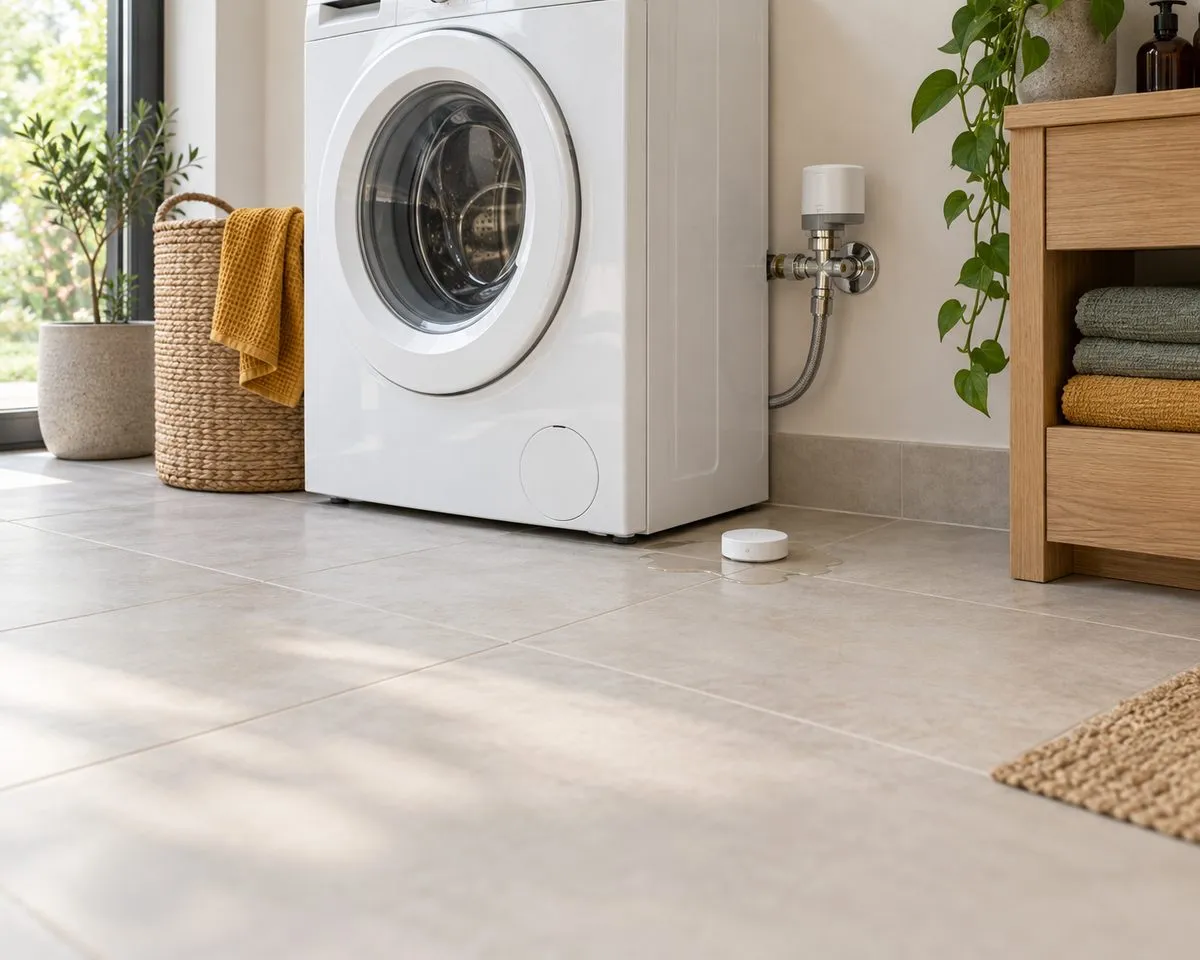
A utility room with a washing machine and a small leak sensor on the tiled floor.
02:14Kitchen, under the sink

Case 1 of 3

A drip shouldn’t become your weekend.

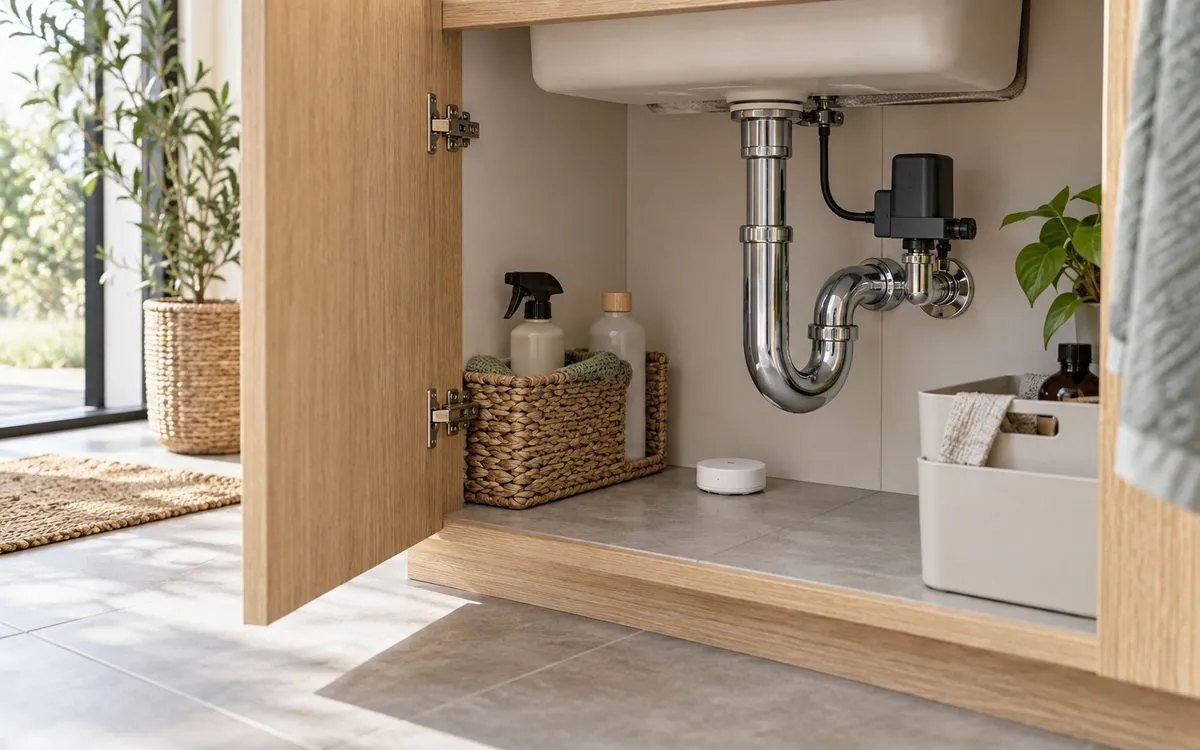
  1. 01Notice the first dropsA sensor under the sink detects water.
  2. 02Close the supplyA motorised valve shuts automatically.
  3. 03Send one useful messageWhere it happened. What was already done.

One message, 02:14

Water detected under the kitchen sink. Supply closed. Check in when you are ready.
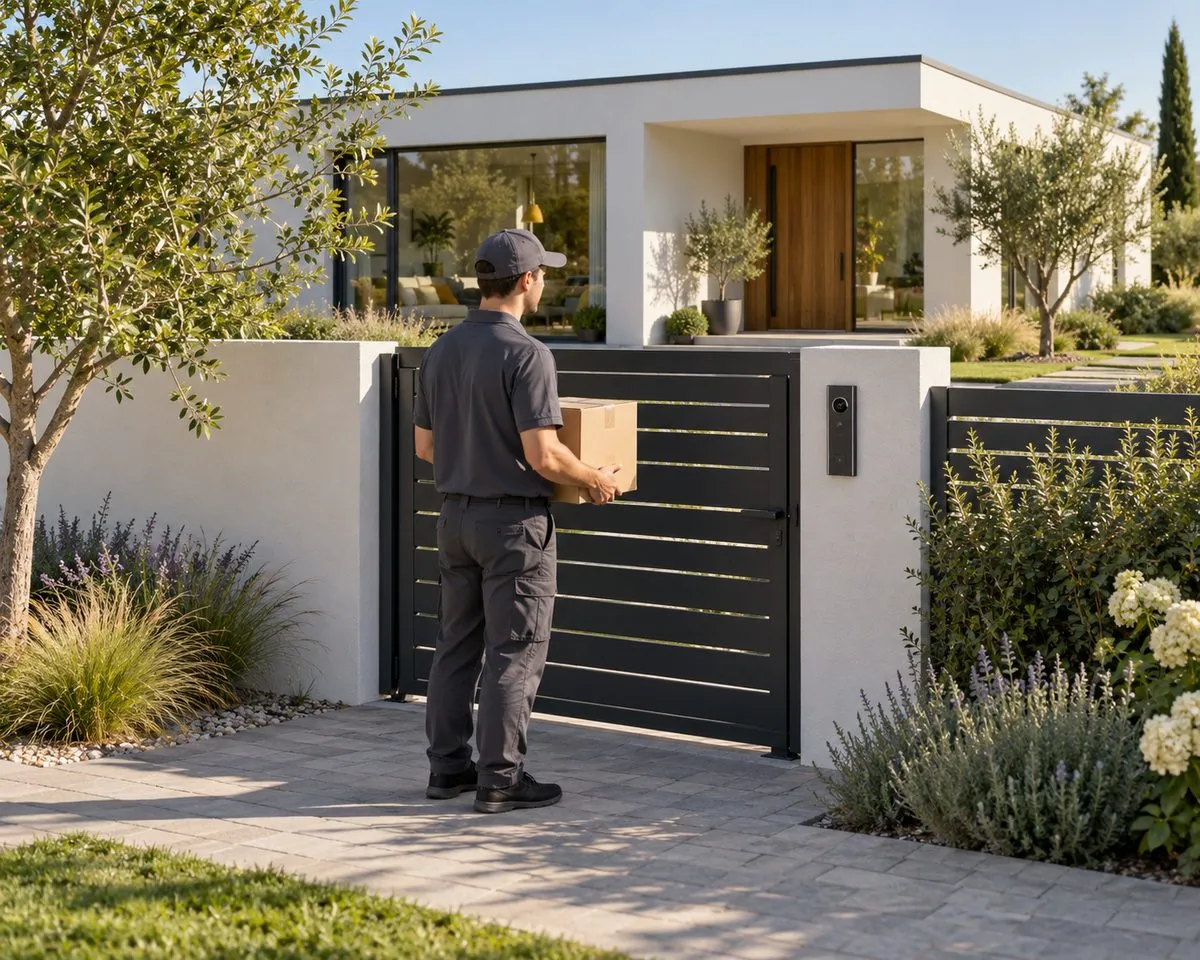
A courier with a parcel waiting at a dark metal garden gate.
03:40Side gate, camera 3

Case 2 of 3

A visitor matters. A waving branch doesn’t.

  1. 01A branch moves in the windNo person detected. No interruption.
  2. 02A fox crosses the lawnLogged as an animal. Nobody woken.
  3. 03A person enters an armed areaGarden lights on; you get one alert.

One message, 03:40

Person at the side gate. Garden lights on. Snapshot attached.
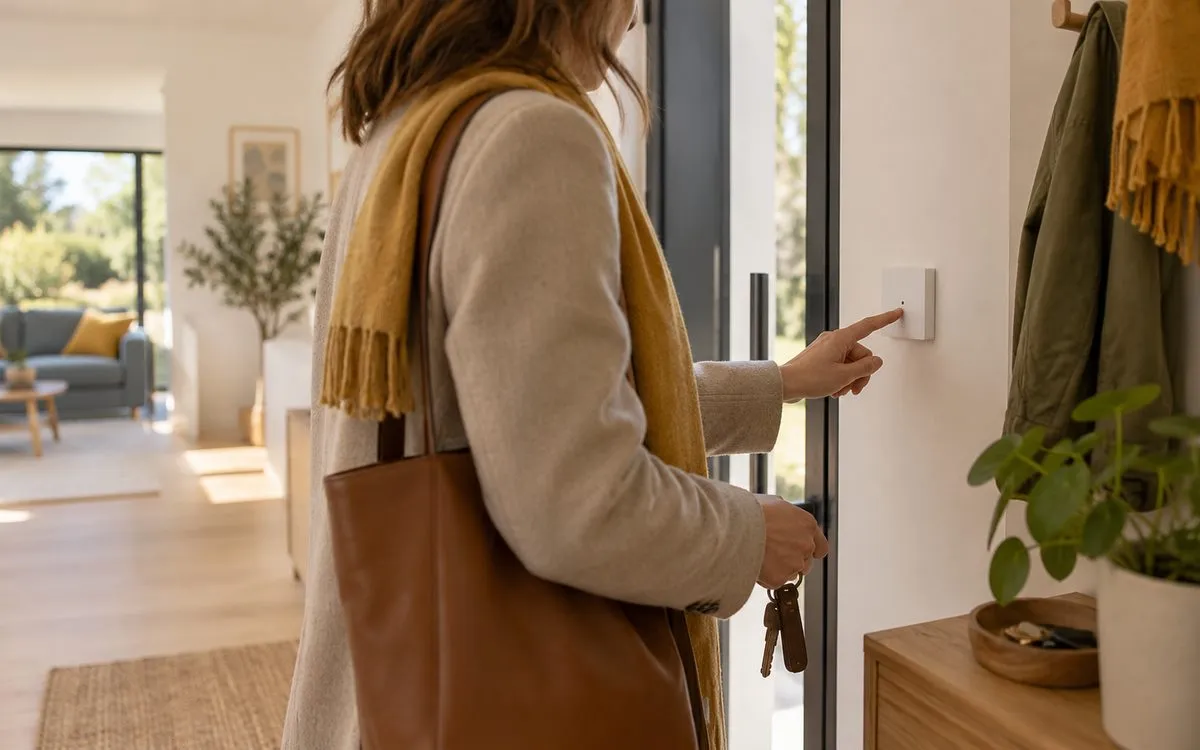
A woman with a shoulder bag pressing a keypad beside her front door.
14:05Front door

Case 3 of 3

Let them in. Keep the boundaries.

  1. 01Set the visit windowChoose the door and the permitted hours.
  2. 02Welcome your guestThe code works during the agreed visit.
  3. 03Let the code expireNo spare key to collect afterwards.

One message, 14:05

Your guest arrived. Temporary code used at the front door.

§ 07EnergyFollows the dial at the bottom of the page

Where the sunshine goes.

Home first, then the battery, then the car — and only then the grid. Turn the hour and watch the house reallocate, every few seconds, without you.

12:00

Changing the hour also changes the light of the whole page.

Self-powered
—%
Bought from the grid
—kW
Sent to the grid
—kW

Illustrative instantaneous power for a sunny day. Not a bill or a savings forecast.

Energy flows at noon.
§ 08ProcessNine stages, nine documents

Nine sheets. Nothing left to guesswork.

Every stage ends with something you can hold — a drawing, a test report, a backup. When the walls close, you keep the as-built set.

  1. 01

    Consultation

    We talk about how you live and what is worth doing.

    IssuedBrief & budget range
    Sheet1 / 9
    Rev.A
  2. 02

    Engineering

    Architecture, protocols, loads, cable routes, backup concept.

    IssuedConcept & single-line diagram
    Sheet2 / 9
    Rev.A
  3. 03

    Design

    Every keypad, sensor and speaker placed with your architect.

    IssuedDrawing set & cable schedule
    Sheet3 / 9
    Rev.A
  4. 04

    Cabinets

    Cabinets built, labelled and tested in the workshop.

    IssuedFactory acceptance test
    Sheet4 / 9
    Rev.A
  5. 05

    Installation

    Cabling and devices installed, photographed before walls close.

    IssuedCable test report & photos
    Sheet5 / 9
    Rev.A
  6. 06

    Programming

    Logic, scenes and interfaces, mostly prepared off-site.

    IssuedConfiguration & backup
    Sheet6 / 9
    Rev.A
  7. 07

    Commissioning

    Every function tested — with no internet, no grid, no server.

    IssuedCommissioning protocol
    Sheet7 / 9
    Rev.A
  8. 08

    Training

    Scenes tuned to your real routines over the first weeks.

    IssuedUser guide & as-built set
    Sheet8 / 9
    Rev.A
  9. 09

    Support

    Monitoring, updates and on-site service for years to come.

    IssuedService agreement
    Sheet9 / 9
    Rev.A
§ 09Compose21 things a house can do

Compose your house.

Tick what matters to you. We write the first page of the brief as you go — take it to any installer, or to us.

§ 10QuestionsAsked at almost every first meeting

Plain answers.

Will I need my phone for everything?

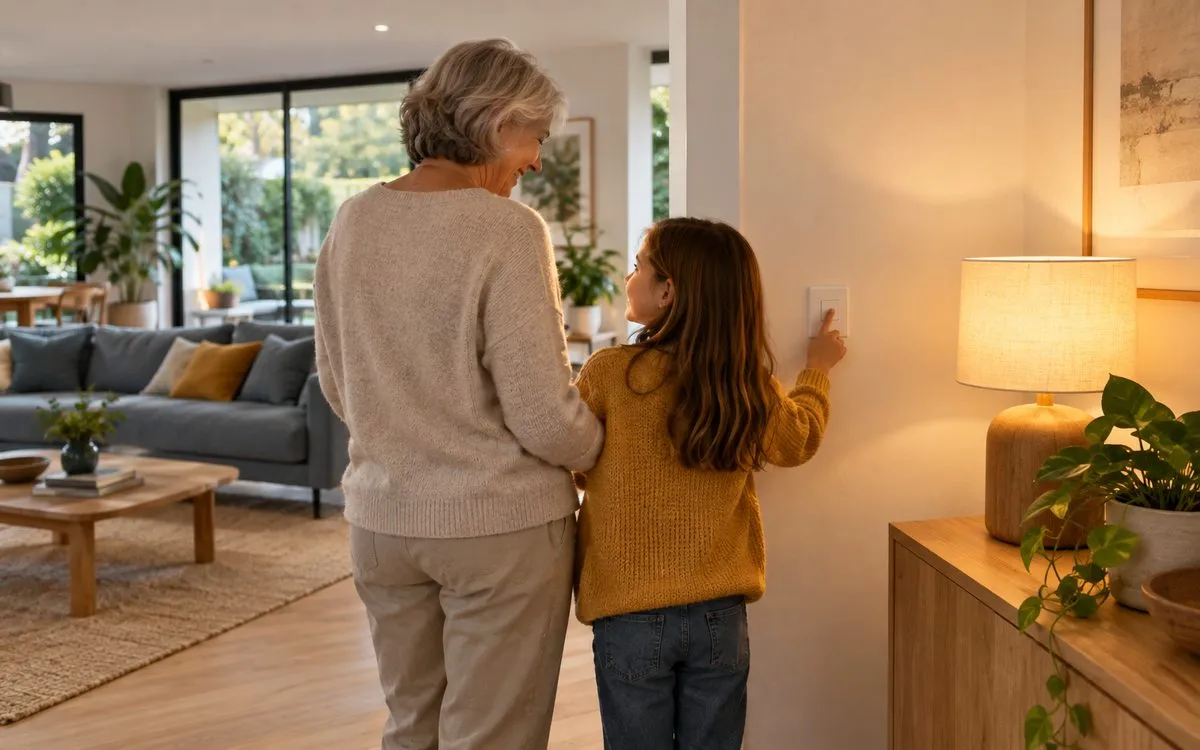
No. Familiar wall switches, a bedside button or automatic routines handle everyday things. A phone is useful for checking in, but it should never be the only way to turn on a light.

My home is already finished. Is it too late?

Not at all. Selected wireless sensors, smart heating controls and lighting upgrades suit a finished home. An installer should check your existing wiring first.

What happens if the internet goes down?

A system designed for local control keeps switches, scenes, cameras and alarms working. Remote access and streaming wait for the connection to return.

Can I start with just a few things?

Yes. A leaving-home button, leak protection or a better bedtime routine are good first steps — as long as the cabling leaves room to grow.

How much will it cost?

That depends on your rooms, existing equipment and the routines you choose. Start with outcomes, then ask for a proposal covering equipment, installation, setup and support.

The last routine of the day

Goodnight, everything.

  1. Curtains close and rooms settle
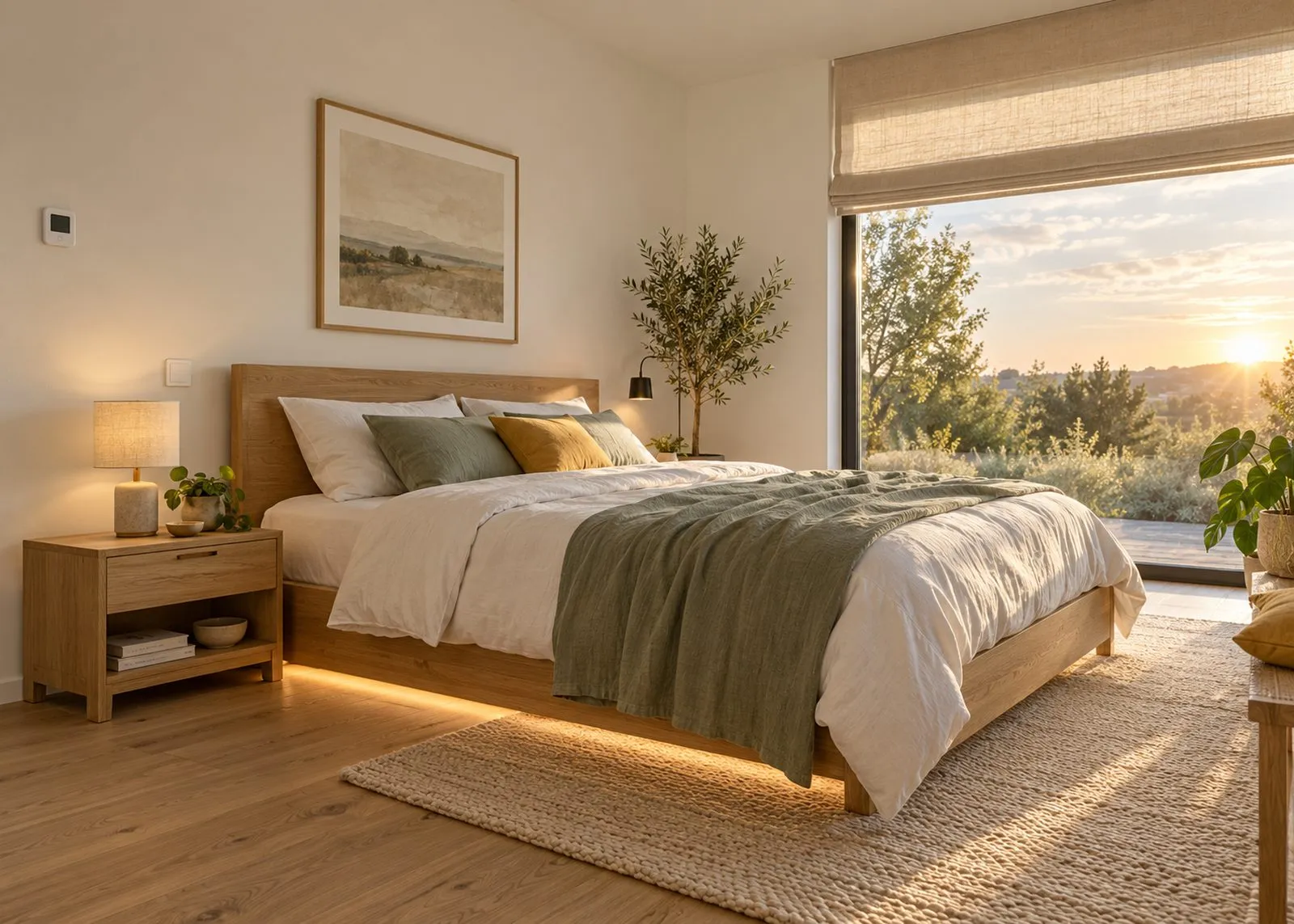
  2. Main lights off — path lights at 5 %
  3. Heating eases back for the night
  4. Doors checked; the perimeter stays awake

Press to say goodnight